Crow’s Feet Botox Simulator App
Use Aesthetix to explore the appearance of lines around the outer corners of your eyes on your own photo. Download the app for iOS or Android, select this treatment zone, and compare Subtle, Balanced and Defined AI previews.
Try Your First Photo Preview
Take a selfie or upload an existing photo in the app. Select Crow's Feet Botox, choose an intensity, and compare the generated image with your original photo.
1 free preview on sign-up · Additional previews use paid credits · iOS or Android app required
Clinical Mechanism & Anatomy
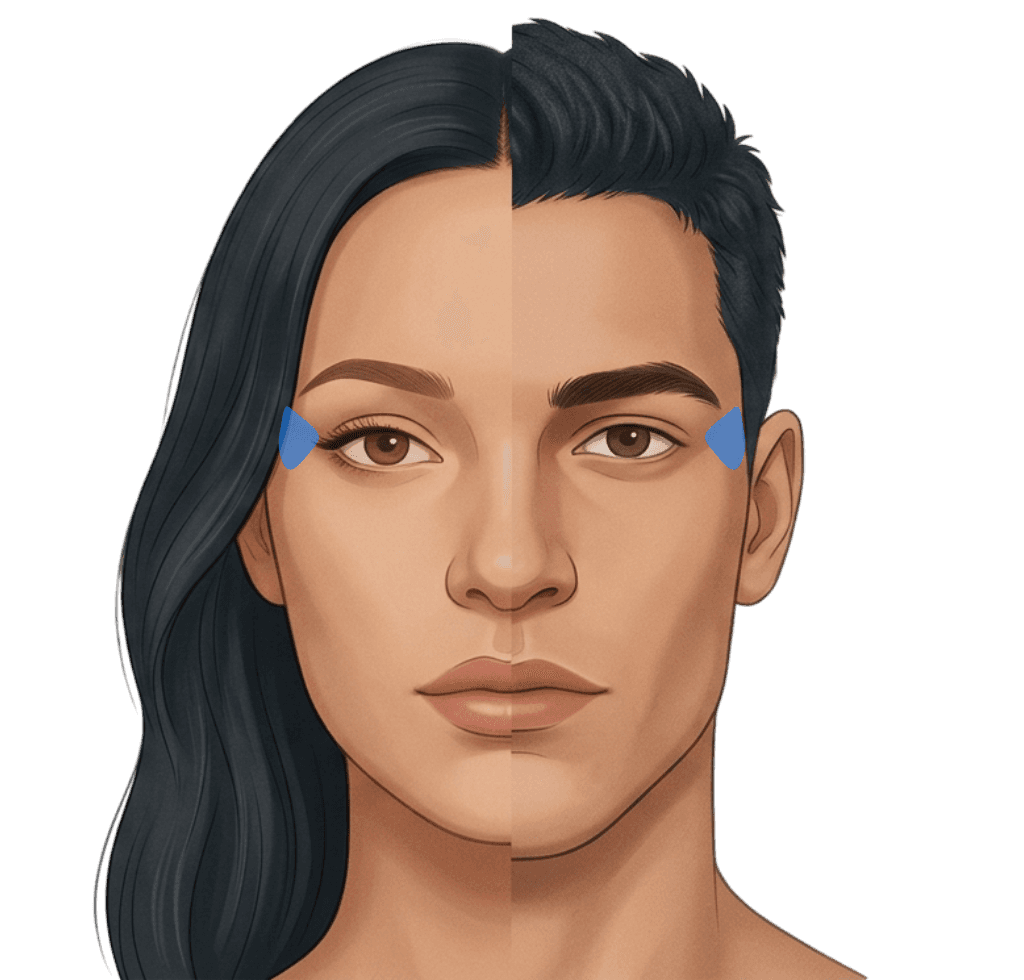
Crow's feet treatment softens dynamic smile lines spreading outward from the corners of the eyes, refreshing the gaze while keeping genuine smile expressions intact. Injections target the lateral portion of the orbicularis oculi muscle responsible for squinting and crinkling around the outer eye contour.
Key Concerns Addressed
- Fan-shaped creases visible when smiling or laughing
- Static fine lines etched into the lateral eye corners
- Concealer and makeup cracking around outer eyelids
Simulated Intensity Profiles
Compare visual intensity settings. Any volume or unit references below are background context, not measurements of your preview or personalized dosing advice.
subtle
Softens extreme crinkling while keeping authentic smile micro-expressions (6–8 units per side).
balanced
Clean, rested appearance that prevents deeper line etching (10–12 units per side).
defined
Virtually zero dynamic creasing for an ultra-smooth outer eye contour (12–15 units per side).
Frequently Asked Questions
Download Aesthetix for iOS or Android and create an account. Take a selfie or upload a photo, choose the treatment zone and a preview intensity, then compare the generated image with your original photo.
Aesthetix includes one free preview on sign-up. Additional previews use paid credits, with no subscription required. Photo previews are generated in the iOS or Android app; this website does not offer a browser-based photo editor.
No. Previews are AI-generated visual references, not predictions, medical advice or dose recommendations. A qualified practitioner must assess suitability, risks and treatment options with you.
A balanced dose keeps your genuine smile intact while preventing deep skin folds. Our preview tool helps you choose between subtle mobility and defined smoothing.
Because the eye muscles are constantly moving during speech and smiles, results typically last 3 to 4 months.