Lip Filler Simulator App: Preview Your Lips
Use Aesthetix to explore fuller lips, lip shape and the balance between your upper and lower lip on your own photo. Download the app for iOS or Android, select this treatment zone, and compare Subtle, Balanced and Defined AI previews.
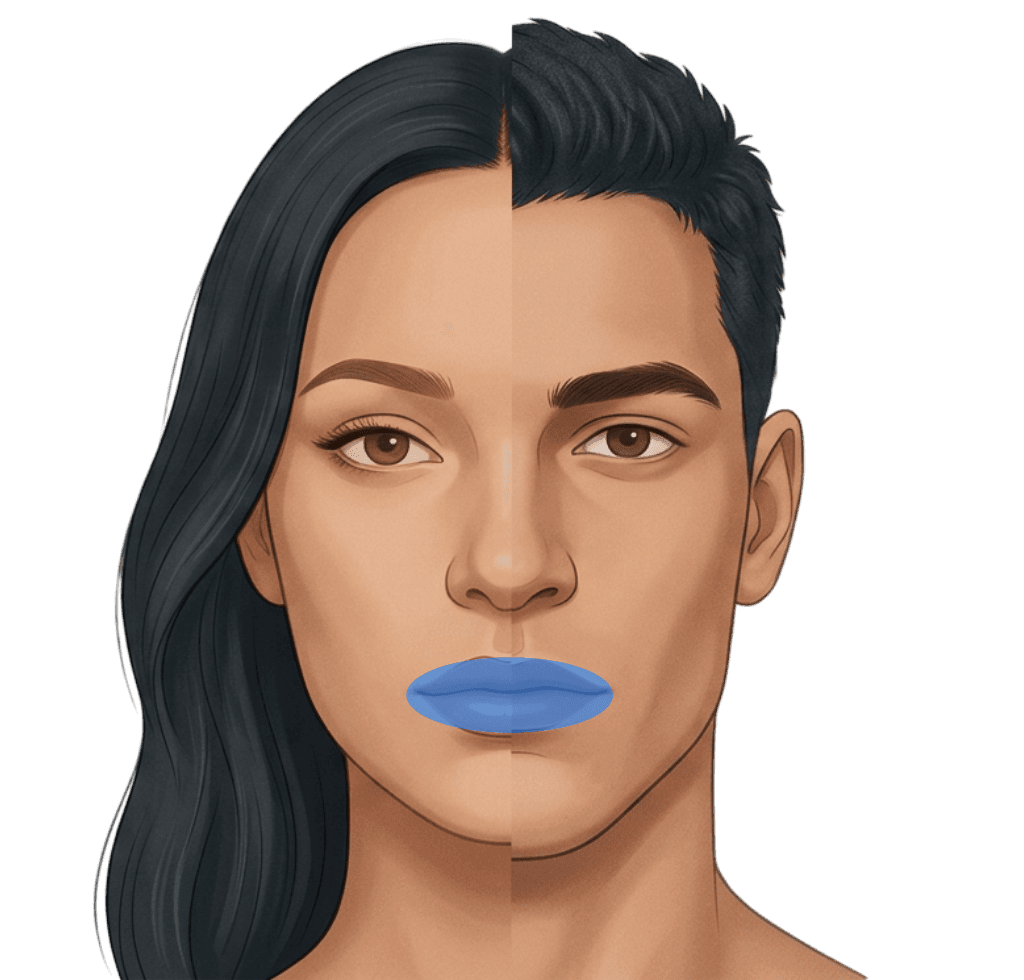
Try Your First Photo Preview
Take a selfie or upload an existing photo in the app. Select Lip Filler Visualizer, choose an intensity, and compare the generated image with your original photo.
1 free preview on sign-up · Additional previews use paid credits · iOS or Android app required
Explore the visual difference
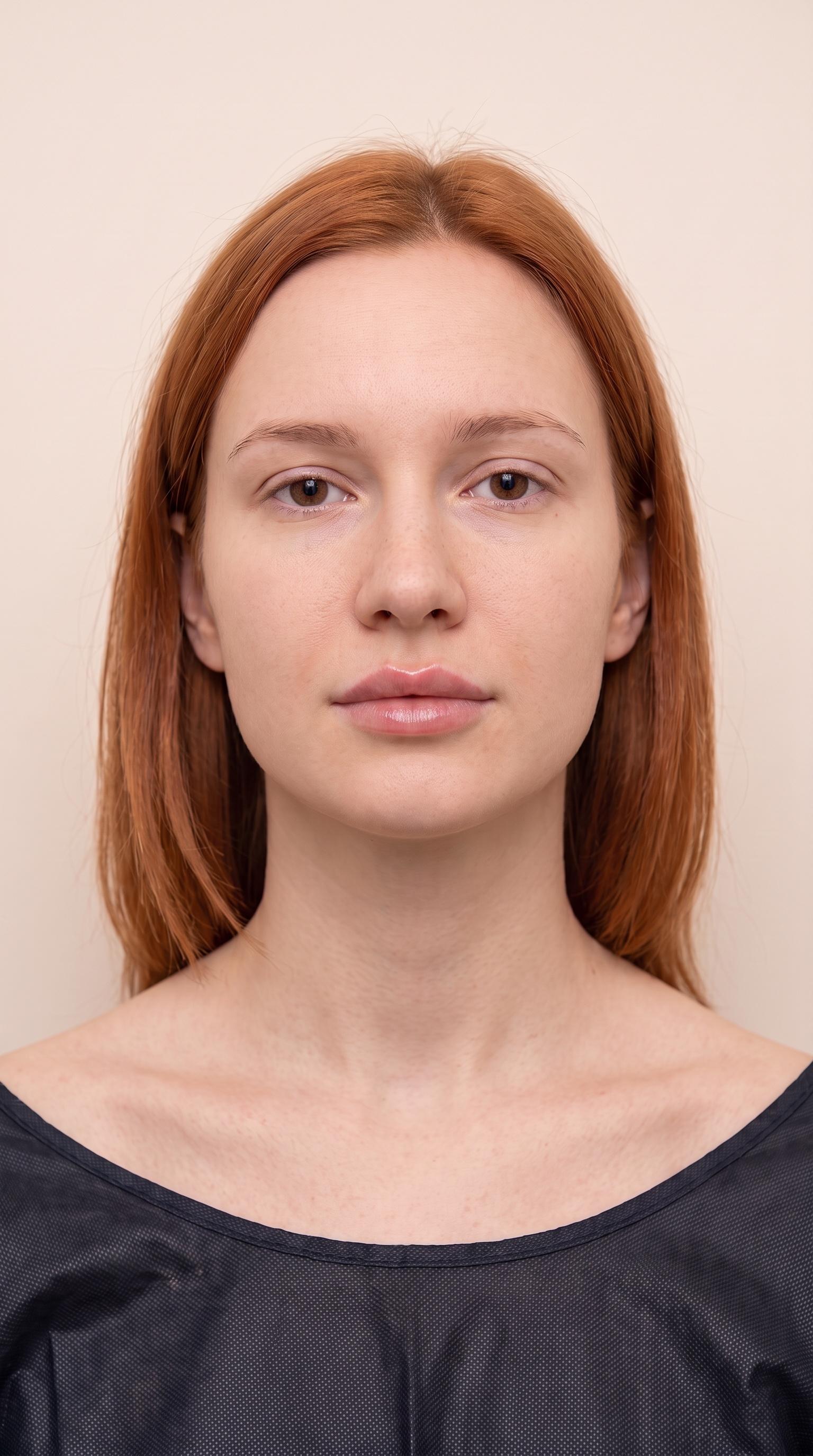 Visualization
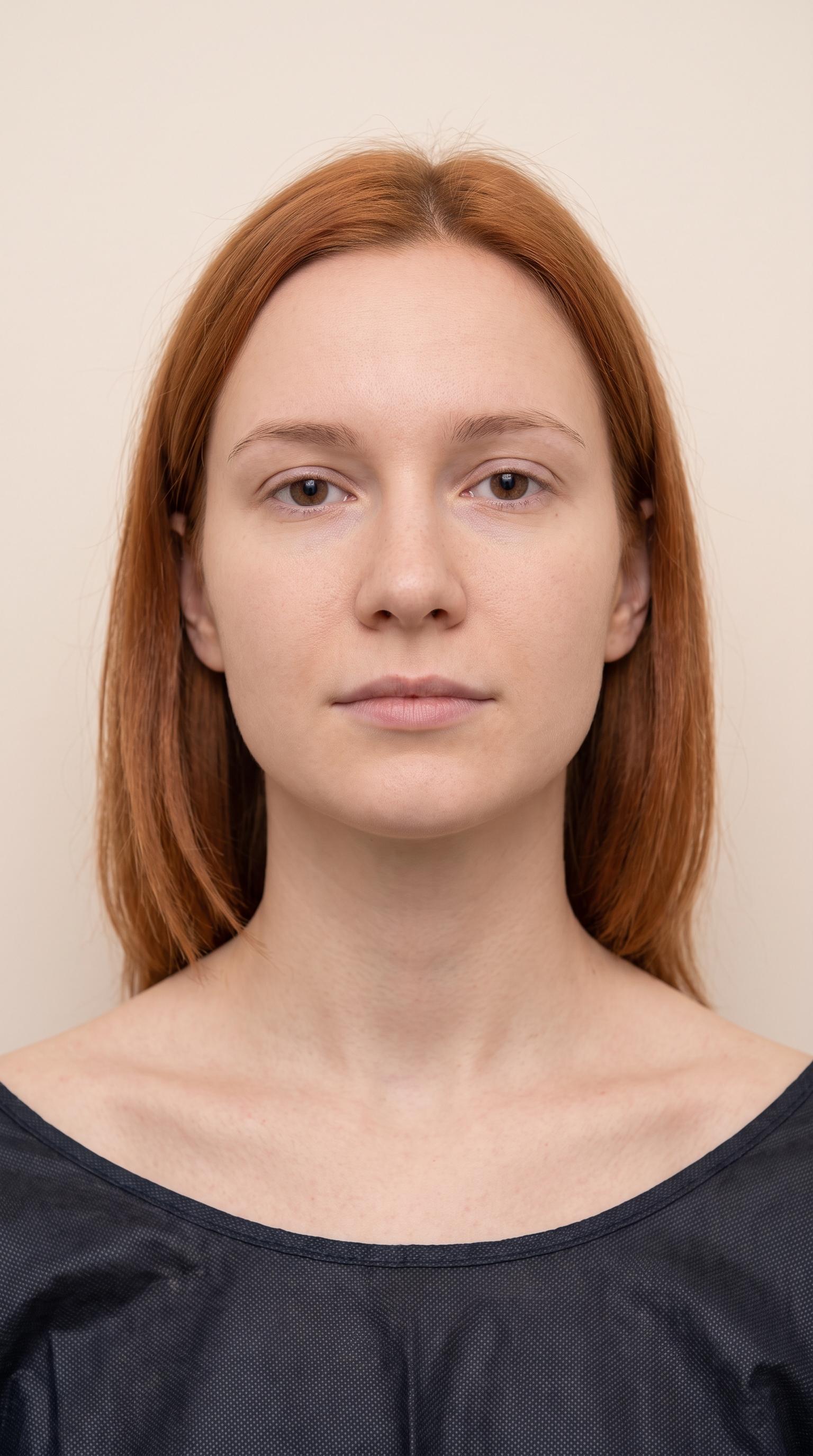 Original
Clinical Mechanism & Anatomy
Lip augmentation with hyaluronic acid enhances volume, balances upper-to-lower lip ratios, sharpens the vermilion border, and hydrates dry vertical fissures. Strategic micro-aliquots into the vermilion border and lip tubercles enhance projection and height while maintaining anatomical harmony with facial profile angles.
Key Concerns Addressed
- Naturally thin or age-deflated lips
- Uneven upper vs lower lip proportions (ideal ratio is ~1:1.6)
- Loss of crisp cupid's bow and border definition
- Perioral fine vertical dehydration lines
Simulated Intensity Profiles
Compare visual intensity settings. Any volume or unit references below are background context, not measurements of your preview or personalized dosing advice.
subtle
Hydration boost and gentle crispness along the border (~0.5ml equivalent).
balanced
Classic fullness, healthy plumpness, and defined cupid's bow (~1.0ml equivalent).
defined
High-volume pout with pronounced vertical height and side profile projection (~1.5ml+ equivalent).
Frequently Asked Questions
Download Aesthetix for iOS or Android and create an account. Take a selfie or upload a photo, choose the treatment zone and a preview intensity, then compare the generated image with your original photo.
Aesthetix includes one free preview on sign-up. Additional previews use paid credits, with no subscription required. Photo previews are generated in the iOS or Android app; this website does not offer a browser-based photo editor.
No. Previews are AI-generated visual references, not predictions, medical advice or dose recommendations. A qualified practitioner must assess suitability, risks and treatment options with you.
Aesthetix is a lip preview app where you select a treatment zone and intensity to explore lip volume and shape on your photo. Use the comparison to communicate the look you prefer. It cannot show exactly what a particular filler volume will produce.
You can compare different preview intensities, but a photo simulation cannot establish what 0.5ml or 1ml will look like on you. Read our volume comparison guide to prepare questions for your practitioner, who can explain what those amounts may mean for your anatomy.
No. A lip filler preview explores changes to lip volume and shape. It should not be presented as a dedicated lip flip simulation or as evidence of how a different procedure will affect your smile.
Absolutely. Injectors love visual references because descriptions like 'natural' mean different things to different people. The preview aligns expectations on volume and contour.
Not when built gradually. Our 'Subtle' mode previews a conservative 0.5ml dosage tailored for smaller lip anatomies.